Rabby Mobile Introduces Apple Pay and Google Pay for GasAccount Top-ups
Rabby Mobile Introduces Apple Pay and Google Pay for GasAccount Top-ups
🔥 Gas Fees Just Got Easier

Rabby Mobile has enhanced its GasAccount feature with new payment options. Users can now top up their accounts using Apple Pay or Google Pay, streamlining the process of paying gas fees across multiple networks.
Key updates:
- Integration with major mobile payment systems
- Single account covers multiple networks and addresses
- No need to hold specific gas tokens
- Simplified cross-chain transactions
This builds on Rabby's previous free gas initiative launched in May 2024, further simplifying blockchain interactions for mobile users.

🚀 New GasAccount Milestone! You can now top up your GasAccount using Apple Pay or Google Pay on Rabby Mobile. No need for gas tokens—pay gas fees across all supported networks with ease. One GasAccount, covers multiple networks, and addresses. Level up with Rabby Mobile!
Rabby Introduces Conversational Support System
Rabby has upgraded its support system to enable **conversational interactions**. Users can now: - Submit feedback at any time - Reply to follow-up questions - Maintain context throughout the conversation This enhancement aims to improve the user experience by making support more interactive and contextual, rather than one-off submissions.
Rabby Eliminates Swap Fees for Stablecoins and ETH Tokens
Rabby has removed swap fees entirely for select token pairs. The zero-fee structure applies to: - **Stablecoin swaps** including USDT and USDC - **ETH and ETH DeFi tokens** such as ETH, WETH, and stETH Users can identify fee-free swaps by looking for the Free label on eligible pairs. This move follows a broader trend in DeFi platforms reducing or eliminating fees for common trading pairs to attract users and increase trading volume.
Rabby Wallet Adds Citrea Chain Support
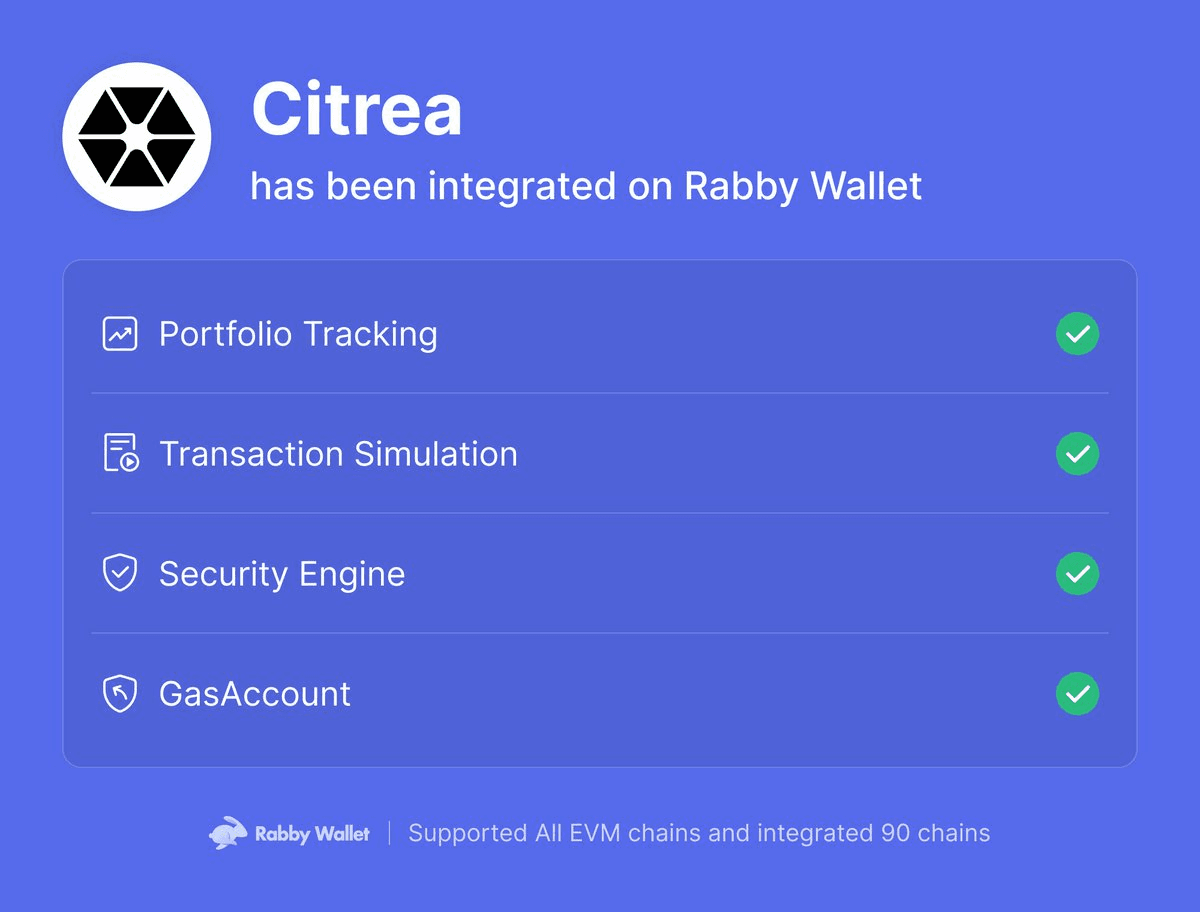
Rabby Wallet has integrated support for the Citrea chain, expanding its multi-chain capabilities. **Key Details:** - Integration announced on March 19, 2026 - Adds Citrea to Rabby's growing list of supported networks - Follows previous integration of Etherlink chain in December 2024 Rabby automatically detects and switches to the appropriate chain when users visit DeFi applications, though manual chain selection remains available for specific sites.
🔐 Rabby Wallet Adds Quick-Lock Keyboard Shortcuts
Rabby wallet now supports keyboard shortcuts for instant security: - **Mac users**: Press **L** to lock your extension - **Windows users**: Press **Ctrl+L** to lock your extension This feature enables users to secure their wallet in a split second, adding a convenient layer of protection when stepping away from their device. The quick-lock functionality works across all chains supported by Rabby's multi-chain wallet interface.
Rabby Extension Adds Long-Press Feature Reordering
Rabby Extension now supports long-press functionality to reorder interface features. Users can customize their wallet layout by pressing and holding features to rearrange them according to their preferences. This update gives users direct control over their extension's interface organization.